The Success Plan provides a clearer overview of the steps required to complete your program. You can view your Success Plan on your Home or by clicking the Rewards tab for a more in-depth look.

If you complete a step of the Success Plan, a green checkmark will show up next to that step. When you complete all of the steps of a section, it will be marked with a party icon. Then your next section will be highlighted.
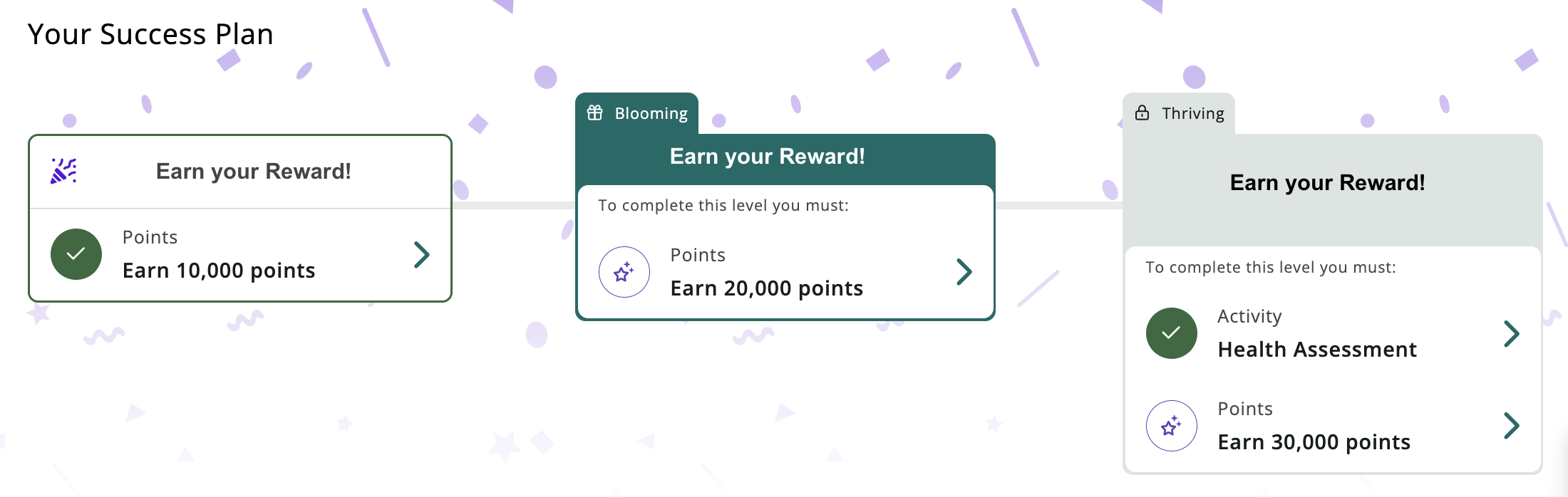
After completing a section of the Success Plan, the progress bar on your Home will fill up.

Was this article helpful?
That’s Great!
Thank you for your feedback
Sorry! We couldn't be helpful
Thank you for your feedback
Feedback sent
We appreciate your effort and will try to fix the article