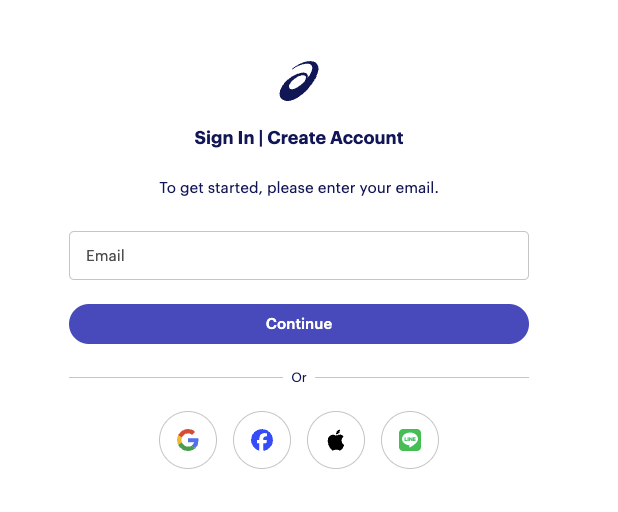
From the My Devices menu under your profile, select the option to connect to Runkeeper. You will then be redirected to the Runkeeper login page and prompted to enter your account's login credentials.
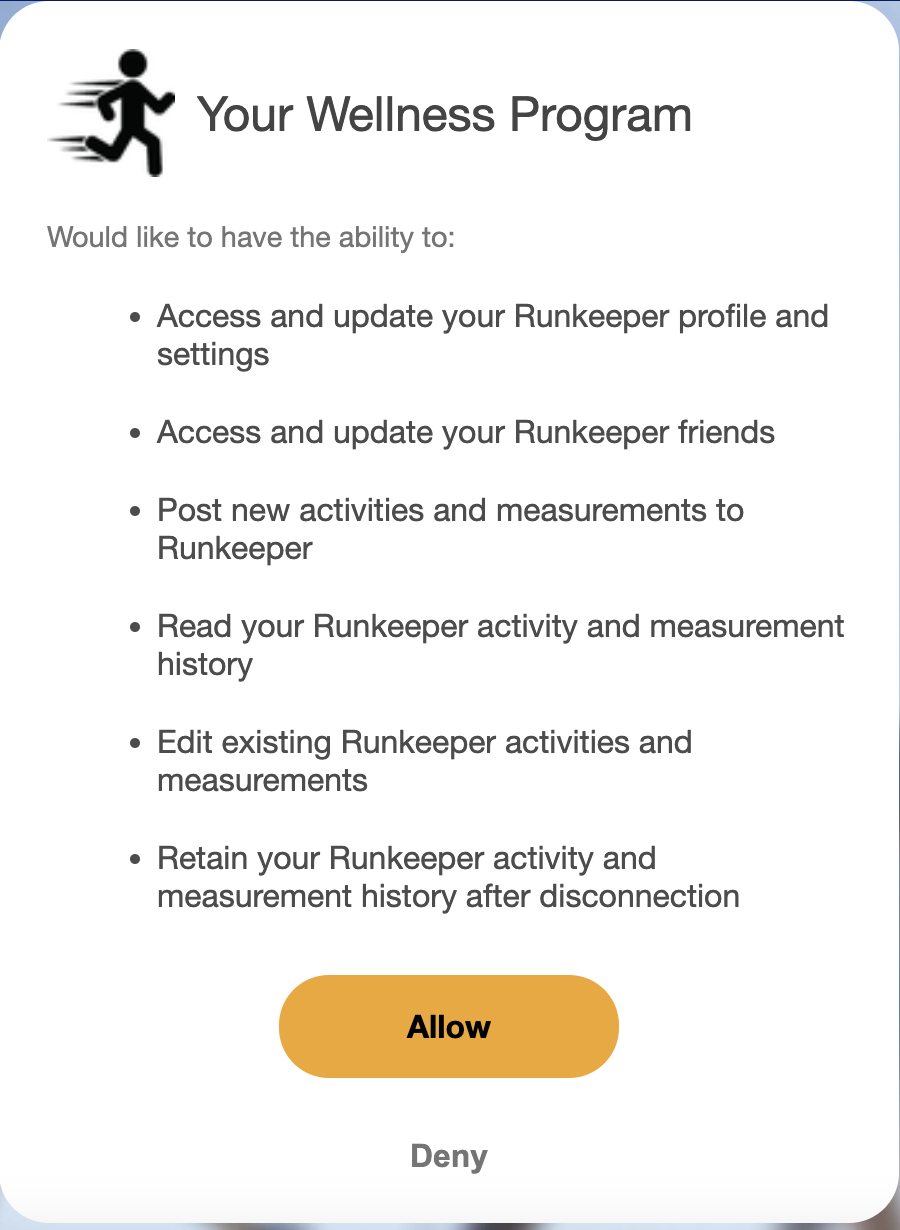
You will be prompted to allow WellRight access to your profile and activity in order to enable data syncing.
Was this article helpful?
That’s Great!
Thank you for your feedback
Sorry! We couldn't be helpful
Thank you for your feedback
Feedback sent
We appreciate your effort and will try to fix the article