Adding a Preferred Email allows you to access your account with an email of your choice. Future program communications, including password reset requests and reward redemption emails, will be sent to your preferred address.
To add your Preferred Email, follow the steps listed below:
1. Access your Account Settings under your User Profile.
2. Add an email in the Preferred Email field and save your changes.
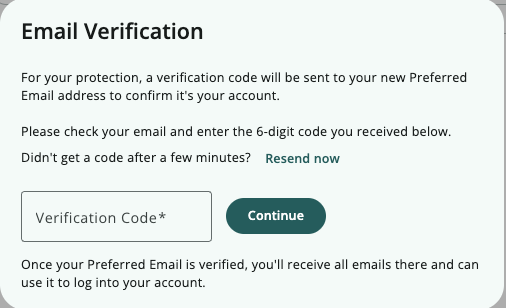
3. You will be sent a 6-digit Verification code to your preferred email to enter and verify the new address.
Was this article helpful?
That’s Great!
Thank you for your feedback
Sorry! We couldn't be helpful
Thank you for your feedback
Feedback sent
We appreciate your effort and will try to fix the article