The requirements for each challenge vary; some challenges require you to track regularly, while other challenges can be completed by fulfilling a one-time activity or submission. The challenge Details page will have information on how to successfully meet the challenge requirements.
To stay on top of your progress, click the Track button to add entries or upload proof of completion for events, activities, or exams.

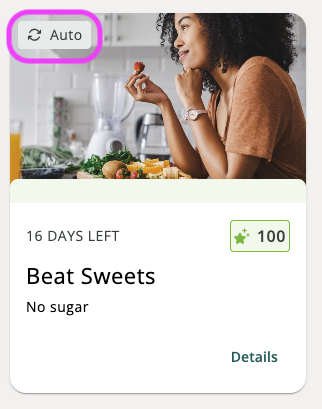
If you see 'Auto' on the challenge tile, don't worry—your progress is being tracked automatically through a connected device or secure data file.
Was this article helpful?
That’s Great!
Thank you for your feedback
Sorry! We couldn't be helpful
Thank you for your feedback
Feedback sent
We appreciate your effort and will try to fix the article